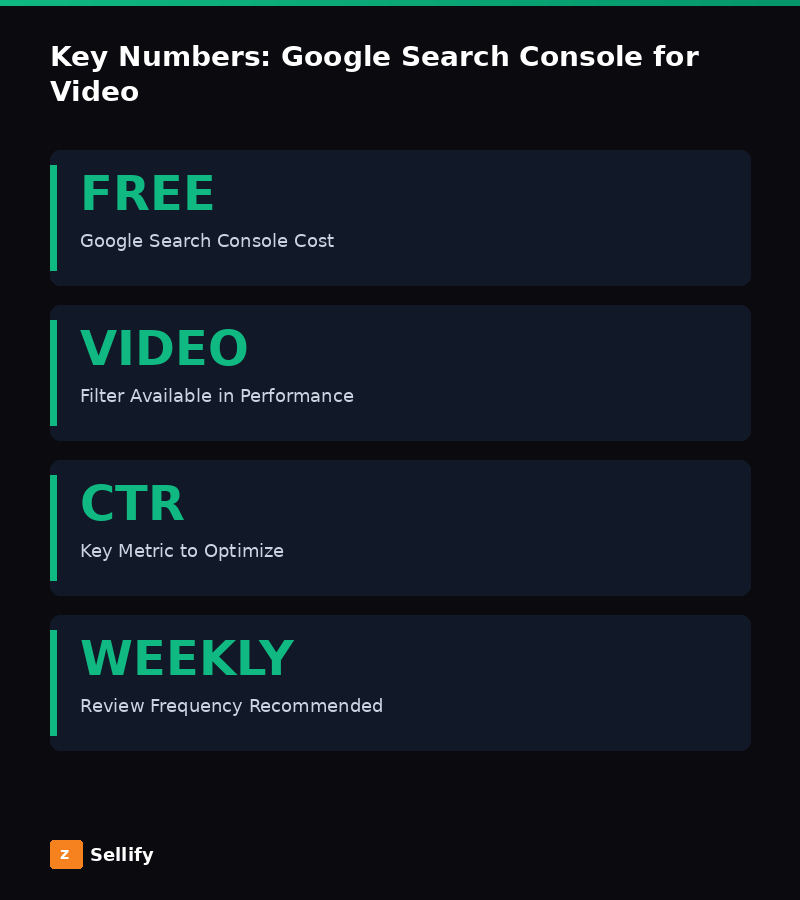
Google Search Console is a free tool that shows you exactly how your content appears in Google search results. For video marketers, it's an invaluable resource for optimization. Here's how to use it.
Setting Up Video Tracking
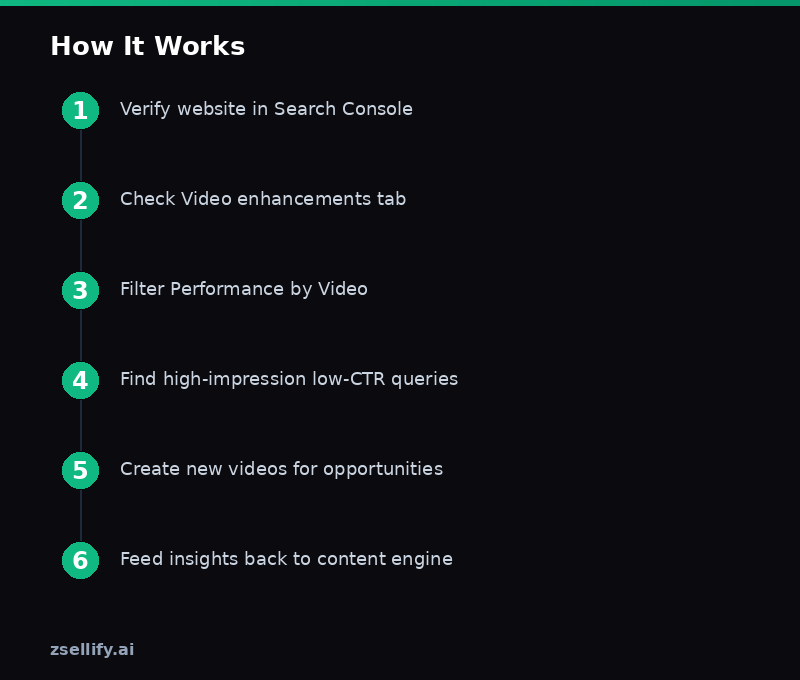
Verify your website and YouTube channel in Google Search Console. For your website, check the "Video" section under "Enhancements" to see how Google indexes your embedded videos.
Finding Video Opportunities
Go to Performance > Search Results and filter by "Video." This shows which queries trigger video results. If you see queries where your text content ranks but you don't have video, those are prime opportunities for new video content.
Optimizing Based on Data
Look for queries with high impressions but low click-through rates. These are topics where Google shows your content but people don't click. Improve your video titles and thumbnails for these queries. Use our Headline Analyzer to craft better titles.
Connecting to Your Video Strategy
Feed Search Console insights back into your video presence infrastructure. If certain topics drive search impressions, create more content in those areas. If your zSellify videos are generating impressions for unexpected queries, double down on those topics.